DEVICE SETUP
Streaming setup, step by step
Use the device-specific setup resources to find your way from subscription access to streaming.
✓ Easy plan comparison✓ Multi-device options✓ Device setup resources
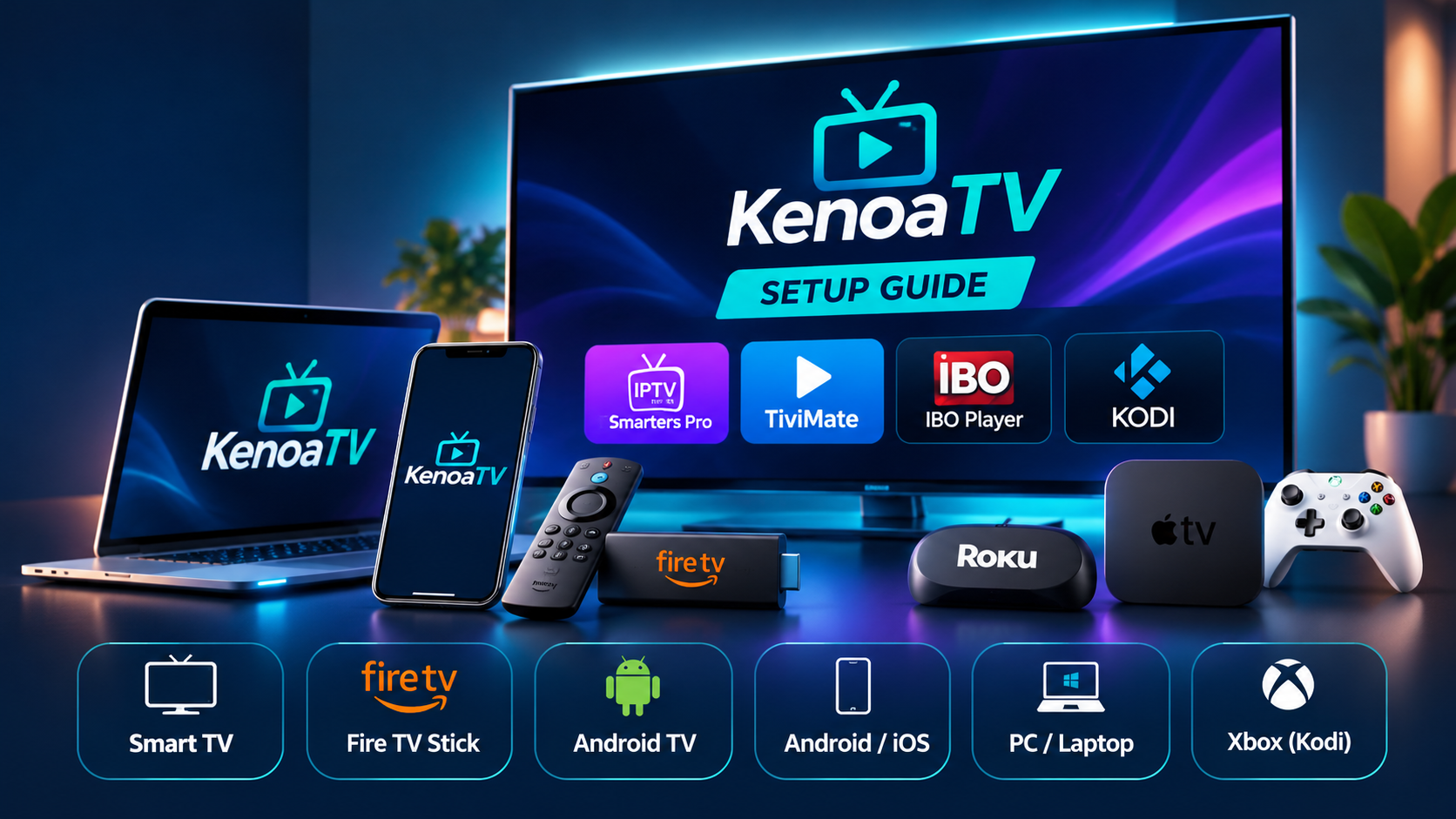
SETUP RESOURCES
Select your device
Choose a device guide or contact us for support.
▣
Fire TV & Fire Stick
Install a compatible IPTV player app and follow the setup instructions.
▤
Smart TV
Check compatible apps available on your TV model.
◉
Android TV
Use the supported player setup method for your Android TV device.
▧
Mobile devices
Find the appropriate player application for your platform.
⌘
Computer
Use an appropriate player app for your operating system.
✉
Need help?
Email tvkenoa@gmail.com for assistance.
NEXT STEP
Ready to get started?
First choose your plan, then follow device-specific setup instructions.